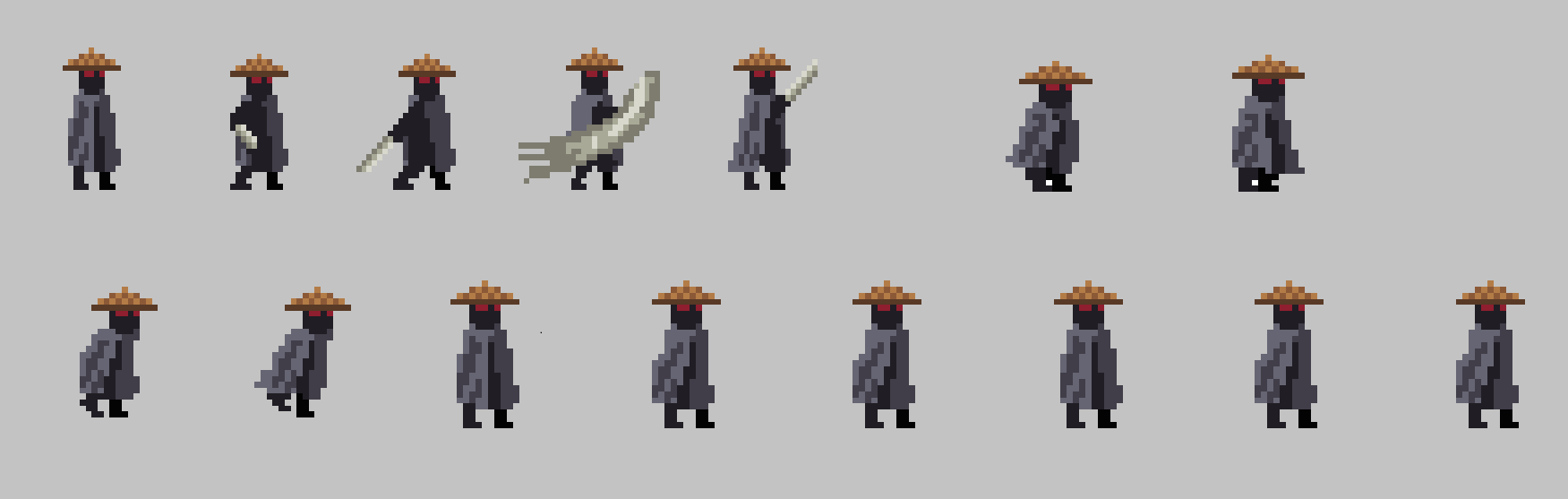
This script detects key input and adjusts movement and attacking direction.
Move Script
if (Input.GetKey(KeyCode.S))
{
    attackPoint = downAttack;


} else if (Input.GetKey(KeyCode.W))
{
    attackPoint = upAttack;

} else {attackPoint = frontAttack;}

hand.transform.position = attackPoint.position; //draws hand at current attack position

if (Input.GetKey(KeyCode.H) && attackStat == true)
{
    attackStat = false;
    attack();
}

if (attackStat == false)
{
    attackCounter += Time.deltaTime;
    if(attackCounter>attackCooldown)
    {
        attackCounter = 0;
        attackStat = true;
    }
}
if (Input.GetKeyDown(KeyCode.D))
{
    moveInput = 1;
    FacingRight = true;
    animat.SetBool("Still", false);
}
else if (Input.GetKeyDown(KeyCode.A))
{
    moveInput = -1;
    FacingRight = false;
    animat.SetBool("Still", false);
}

if (Input.GetKey(KeyCode.D) == false && Input.GetKey(KeyCode.A) == false)
{
    moveInput = 0;
    animat.SetBool("Still", true);
}

//calculate the direction we want to move in and our desired velocity
float targetSpeed = moveInput * moveSpeed;
//calculate difference between current velocity and desired velocity
float speedDif = targetSpeed - rb.velocity.x;
//Calculate if our moveInput is 0 it will de accelerate, anything higher than 00.1 will make us accelerate
float accelRate = (Mathf.Abs(targetSpeed) > 0.01f) ? rbacceleration : rbdecceleration;
float movement = Mathf.Pow(Mathf.Abs(speedDif) * accelRate, velPower) * Mathf.Sign(speedDif);
rb.AddForce(movement * Vector2.right);
animat.SetFloat("Speed", Mathf.Abs(movement));
I check every frame for a key input and udate the moveInput to the respective direction

.png)
.png)